








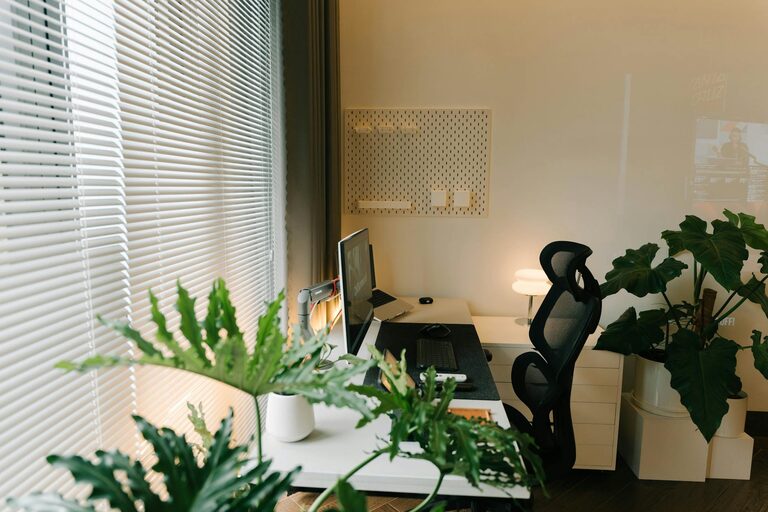
Creating a relaxing home workspace is essential for maintaining productivity, especially as more people work remotely or spend significant time at home. A comfortable, well-organized environment helps reduce stress, increase focus, and boost efficiency. Whether you have a dedicated room or a small corner, these tips will guide you through designing a workspace that supports both relaxation and productivity.
Why a Relaxing Workspace Matters
Your workspace directly influences how well you work. If it’s cluttered, uncomfortable, or distracting, your concentration may suffer. Creating a relaxing environment can:
– Reduce stress and anxiety
– Help you maintain focus for longer periods
– Encourage positive work habits
– Improve overall well-being
The goal is to balance comfort and functionality, making your workspace a place you want to be.
Choose the Right Spot
Finding the perfect location for your home workspace is the first step.
Consider Natural Light
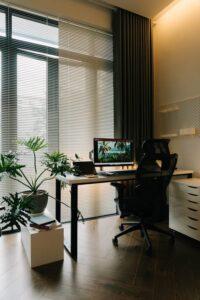
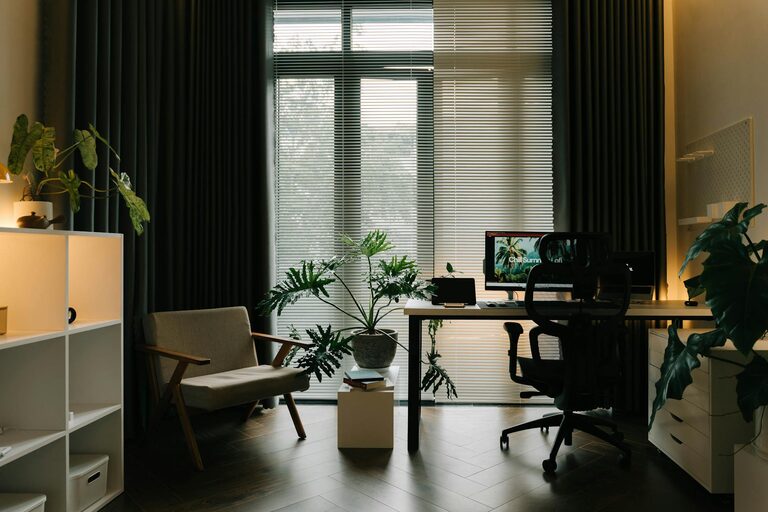
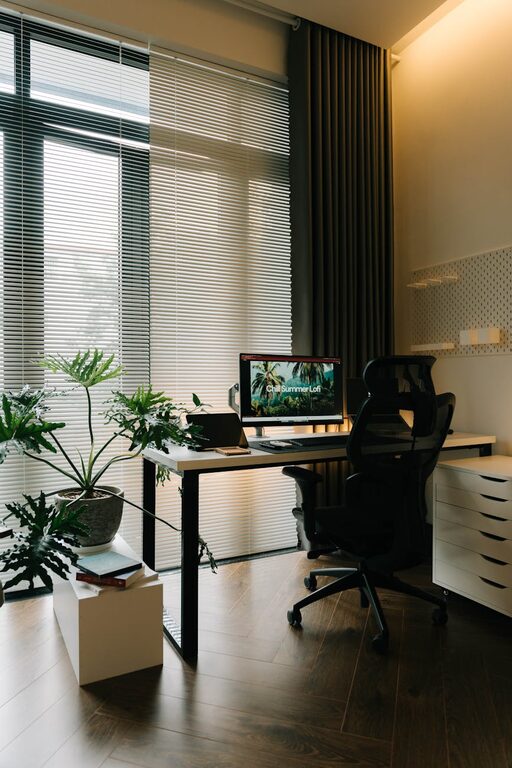
Natural light boosts mood and energy, so try to set up near a window. If that’s not possible, invest in good quality daylight bulbs to mimic natural light and reduce eye strain.
Minimize Noise Distractions
If possible, select a quiet area away from high-traffic zones in your home. If not, noise-cancelling headphones or soft background music can help mask distractions.
Account for Space Needs
Your workspace should accommodate everything you need without feeling cramped. Consider the equipment, paperwork, and storage requirements before settling on a spot.
Invest in Comfortable Furniture
Comfortable furniture is crucial for long working hours.
Ergonomic Chair
An ergonomic chair supports good posture, reducing the risk of back and neck pain. Look for chairs with adjustable height, lumbar support, and comfortable cushioning.
Adequate Desk
Choose a desk that fits your space and provides enough surface area for your computer, supplies, and workspace essentials. Standing desks or adjustable desks are excellent options to vary your posture throughout the day.
Accessorize Thoughtfully
A supportive footrest or monitor stand can enhance comfort. Customize your setup to your body’s needs to avoid strain.
Organize and Declutter
A tidy workspace promotes a clear mind.
Use Storage Solutions
Utilize shelves, drawers, or organizers to keep documents, supplies, and gadgets neatly stored. This will prevent clutter from building up on your desk.
Prioritize Essentials
Keep only what you use frequently within arm’s reach. Store rarely used items elsewhere to maintain a clean surface.
Digital Declutter
Keep your computer desktop and files organized too. Delete or archive unnecessary documents and set up folders for easy access.
Incorporate Calming Elements
Adding soothing touches can help create a relaxing atmosphere.
Plants and Greenery
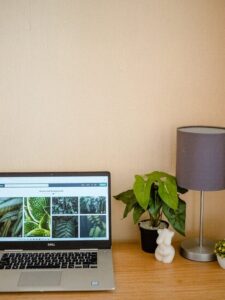
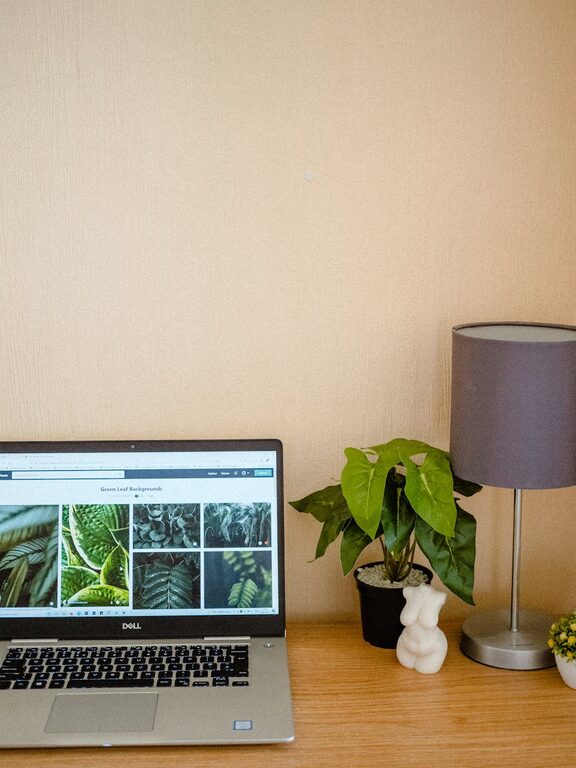
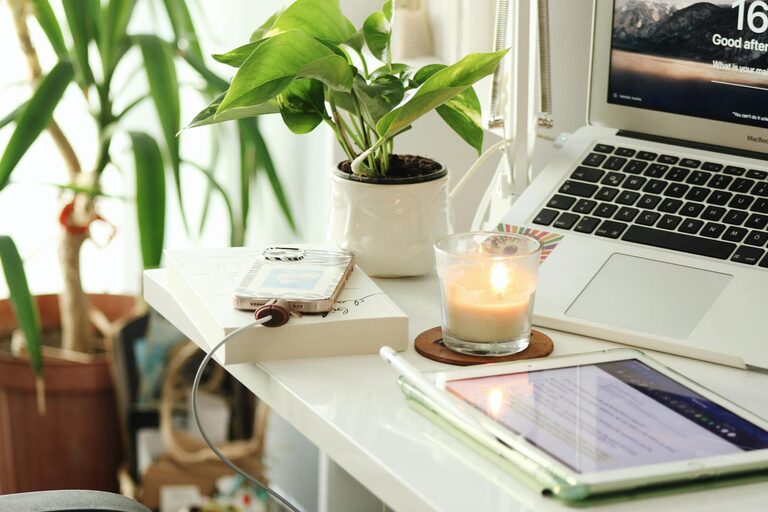
Indoor plants improve air quality and add a natural, calming element to your space. Easy-to-care-for plants like succulents, pothos, or snake plants are great choices.
Color and Décor
Choose colors that promote calm and focus. Soft blues, greens, or neutrals are often effective. Personalize with artwork or quotes that inspire but avoid overly busy decorations.
Aromatherapy
Using subtle scents like lavender or eucalyptus can create a calming effect. Consider a small diffuser or scented candles, making sure scents are not too strong or distracting.
Establish Good Lighting
Lighting impacts your mood and productivity.
Layered Lighting
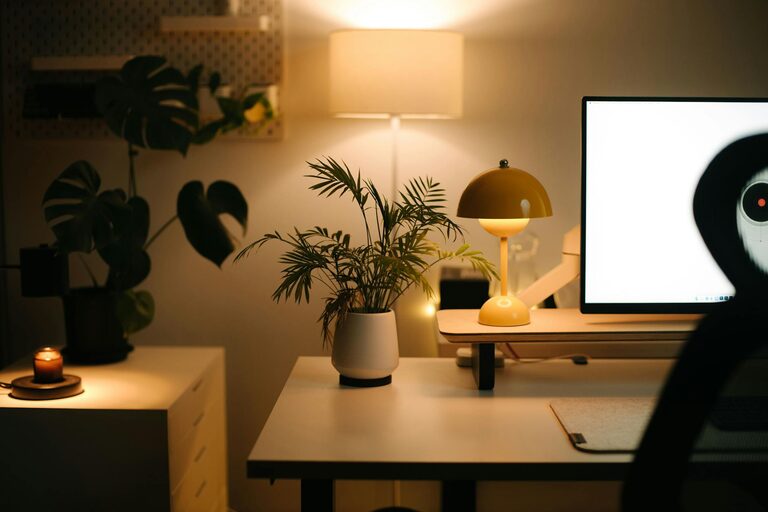
Combine overhead lighting with desk lamps for flexibility. Adjustable lamps allow you to control brightness and direction.
Avoid Glare
Position screens and light sources to minimize glare, which can cause eye strain. Blinds or sheer curtains help regulate natural light levels.
Set Boundaries and Routines
A peaceful workspace isn’t just about the physical setup; routines and boundaries also play a role.
Define Work Hours
Set clear working hours to avoid burnout and balance work-life responsibilities. Communicate these boundaries with family or housemates.
Create a Start-of-Day Ritual
Beginning your workday with a simple ritual—like stretching or making coffee—can signal your brain to switch into work mode.
Take Breaks
Rest your eyes and move around regularly. Breaks help maintain energy and prevent fatigue.
Use Technology Wisely
Technology can both help and hinder productivity.
Manage Notifications
Limit distractions by turning off non-essential notifications during work hours.
Use Productivity Tools
Apps for task management, time tracking, or focus (like Pomodoro timers) can keep you organized and motivated.
Maintain Equipment
Keep your devices updated and cables tidy to avoid frustrating interruptions.
Maintain Cleanliness
Finally, keeping your workspace clean contributes to a relaxing atmosphere.
– Wipe down surfaces regularly to remove dust.
– Use screen cleaners for monitors and keyboards.
– Declutter at the end of each day to start fresh tomorrow.
—
Designing a relaxing and productive home workspace does not require a complete overhaul. Small, intentional changes can make a significant difference in how you feel and perform throughout the day. Focus on comfort, organization, and a pleasant environment to create a space where work feels manageable and even enjoyable. With the right setup, your home workspace can become your favorite place to focus and accomplish your goals.